
There's a version of my week I've mostly left behind.
Calendar packed from 9am. Inbox refilling faster than I could clear it. Slack notifications pulling focus every few minutes. And somewhere in between all of that — the actual work. The kind that requires real thinking. The kind that moves things forward.
I come from an engineering background. I understand systems. But somewhere in the shift to management, I found myself spending more time managing information than managing outcomes. More time summarising, formatting, chasing updates — less time actually leading.
That changed when I stopped treating AI as something I should “try” and started treating it the way I treat any good infrastructure tool: understand how it actually works, plug it into the right problems, and cut what doesn't help.
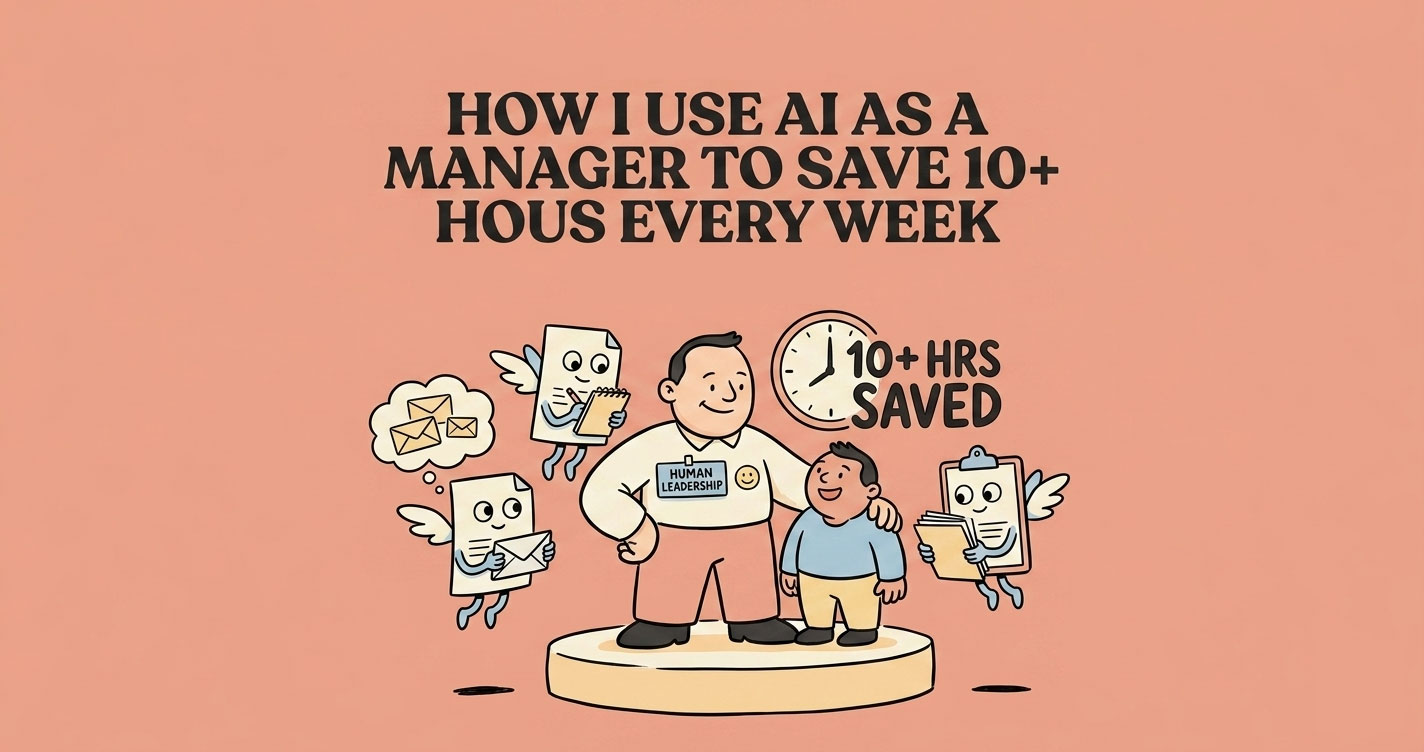
I've reclaimed 10 to 12 hours a week. Not by doing less. By removing friction from the parts of the job that don't need me specifically — so I have more of myself left for the parts that do.
This isn't about AI being magical. It's about workflow. And I'll show you exactly what mine looks like.
AI saves managers 10+ hours a week not through magic but through workflow design — treating AI like infrastructure rather than a novelty. The wins come from automating the parts of the job that don't need you specifically: drafting status updates and review summaries, processing meeting notes into actions, triaging email, and prepping 1:1s. The trick is building reusable prompts for recurring patterns, keeping a human in the loop for anything sensitive, and never outsourcing the actual decisions.
Before and After — Same Work, Less Weight
The nature of my work didn't change. What changed was how much energy it consumed.
| Task | Before AI | After AI |
|---|---|---|
| Email management | Manual drafting, long threads, slow triage | Prioritised, drafted, and replied in minutes |
| Meeting notes | Scrambling to reconstruct after the fact | Structured summaries + action items, automatically |
| Reports | 1-2 hours compiling and formatting | Generated in minutes, refined in seconds |
| Decision-making | Fragmented inputs, slow to synthesise | Structured thinking with AI as a sounding board |
| Documentation | Always delayed, often skipped | Drafted from voice notes, consistently done |
| Weekly planning | Reactive, adjusted constantly | Proactive with clear priorities set each Monday |
The real shift wasn't speed. It was clarity.
When the repetitive parts are handled, you show up to the important parts with more capacity.
How I Use AI in My Daily Workflow as a Manager
I work across five areas as a manager. AI fits differently into each one.
Communication — Emails, Slack, Stakeholders
Communication eats more of a manager's time than it should. Not because the conversations are complex — just because there's so much of it.
I use Claude Cowork as my daily briefing layer. It synthesises context from Slack, email, and my calendar before I open any of them. I start the day knowing what actually needs my attention, instead of spending 30 minutes triaging manually.
For drafting, I use FluidVoice — I speak my thoughts, it captures them, then I hand the rough transcript to Gemini or Claude to turn into a clean draft. It sounds like extra steps. In practice, it's faster than typing from scratch because I think faster than I type, and the output starts from my actual thinking — not a blank page.
Grammarly handles the final pass on tone and clarity before anything goes externally.
Meetings — Before, During, After
The three-part problem with meetings: you prepare too little, capture inconsistently, and follow up late. I've fixed each part separately.
Before a complex discussion, I feed the agenda and context into Claude and ask it to surface the questions I should be asking. It's made my conversations sharper.
During: FluidVoice runs in the background for live transcription. For recorded calls I review later, AssemblyAI processes the audio.
After: every meeting ends with a structured summary and clear action items — not because I write them, because the tools do. I review, adjust if needed, and share. The difference this makes to team alignment is hard to overstate. People forget things. Written summaries with owners and deadlines don't.
Documentation and Reporting
I'll be honest: I came from engineering. We don't write documentation. The result is that most important context lives in someone's head until they leave.
AI didn't make me enjoy documentation. It just removed the hardest part — starting.
My workflow: I speak my knowledge into FluidVoice. Then Claude Code processes it and connects to our NotebookLM knowledge base via MCP to pull in relevant existing context. What comes out is a structured document I can refine in minutes instead of drafting for hours.
For sprint and milestone reports: YouTrack MCP pulls the actual project data. I don't manually compile status anymore. I ask, I get it, I review.
Decision-Making
This is where AI shifted from a tool to something closer to a thinking partner.
Most management decisions don't suffer from lack of intelligence. They suffer from scattered inputs and not enough time to properly synthesise them. You make a call with 60% of the picture and backfill the reasoning afterward.
I use Claude Sonnet for structured analysis — options, trade-offs, risks. When the decision is more complex or the stakes are higher, I move to Claude Opus for deeper reasoning.
Important: AI gives me a better starting frame. It doesn't make the call. That's still mine — and it should be.
Team Management
The people side of management is where AI can't help directly. But it helps with the structure around it.
I use Claude to draft performance feedback — not to replace my thinking, but to turn rough notes into something clear, balanced, and specific. First draft from AI. Reviewed and rewritten by me. The final output is always mine.
1:1 agendas, SOP drafts, team process documents — same pattern. AI handles the structure. I handle the substance.
My Daily Workflow — What It Actually Looks Like
Here's how it flows across the day:
Morning (First 20 minutes)
I open Claude Cowork before I open my inbox. It gives me a synthesised view of what's urgent across email, Slack, and calendar. I start with context instead of noise.
Then I run the email prioritisation prompt (below) to categorise what needs replies and draft the ones that matter. FluidVoice handles anything that needs more thought — speak it out, hand it to Claude.
By 9:30am, I know what the day looks like and the communication overhead is mostly handled.
Midday (Between and after meetings)
Meetings happen. FluidVoice captures them. After each one, the transcript goes to Claude for a structured summary with action items. I review, adjust, share with the team.
Quick decisions that come up mid-day go through Claude — I describe the situation, ask for options and trade-offs, and work through it faster than I would alone.
End of Day (Last 30 minutes)
YouTrack MCP generates the project status. I review it, add context where needed, and it becomes the stakeholder update.
Documentation from the day gets drafted while it's still fresh — FluidVoice to brain dump, Claude Code to structure it, NotebookLM to connect it to existing knowledge.
Then I plan the next day before closing the laptop. Five minutes. Clear priorities, not a wishlist.
5 Prompts I Actually Use — Plus a Bonus
One prompt per high-leverage use case. These aren't templates I found online — they're in my workflow every week.
1. Morning Briefing — Start With What Matters
When to use it: First thing, before you open your inbox.
You are my executive assistant. I'll give you a list of emails, Slack messages,
and calendar items from today.

For each:
1. Summarise in one line
2. Categorise as: Urgent / Important / FYI / Can wait
3. Draft concise replies for anything Urgent or Important
4. Flag anything that needs a decision from me

Keep tone professional. Output as a structured list.
This replaced 30 to 45 minutes of manual triage. The output isn't perfect — but it's a strong first pass I can refine in minutes.
2. Strategic Thinking — When You Have a Problem and No Clear Answer
When to use it: Facing a decision with too many variables and not enough clarity. or If you only use one thing from this article, use this.
Act as a senior advisor. I have a situation I need to think through.

Context: [describe the problem]

1. What are the key factors I should be weighing?
2. Give me 3 realistic options with trade-offs for each
3. What am I probably not seeing clearly?
4. What would you recommend and why?

Be direct. Challenge my assumptions if they're weak.
The “challenge my assumptions” line matters. Without it, AI tends to validate whatever direction you're already leaning.
3. Team Alignment — 1:1 Prep That Actually Helps
When to use it: Before any 1:1, performance conversation, or team check-in.
Help me prepare for a 1:1 with a team member.

Context:
- Current projects: [list]
- Recent challenges: [what's been difficult]
- Things I want to address: [be specific]

Give me:
- 3-4 check-in questions that open honest conversation
- Questions to surface blockers they might not raise themselves
- One question about their growth or career direction
- Anything to be careful about in how I frame things

Keep it conversational, not formal.
Managers skip 1:1 prep more than they should. This makes it fast enough that there's no excuse.
4. Stakeholder Reports — Clarity Without the Hours
When to use it: Weekly or sprint updates to leadership, clients, or cross-functional teams.
Create a stakeholder update from the following:

- Progress this week: [what got done]
- Challenges or blockers: [what's in the way]
- Risks: [what might go wrong]
- Next steps: [what's happening next]

Format it as:
- 3-4 sentence executive summary at the top
- Structured breakdown below
- Max 200 words total
- Tone: confident, transparent, no corporate fluff

If something looks like a real risk that needs flagging, say so clearly.
The “no corporate fluff” instruction is doing real work here. Without it, AI writes updates that say everything and communicate nothing.
5. Client Escalation — For Service and Delivery Teams
When to use it: A client is unhappy, a delivery is at risk, or you need to communicate bad news clearly.
Help me draft a response to a client escalation.

Situation: [what happened]
Client concern: [what they're upset about]
What we're doing about it: [your actual plan]

Draft a response that:
- Acknowledges the concern without being defensive
- Is honest about what happened without over-explaining
- Focuses most of the message on what happens next
- Ends with a clear next step and a named owner
- Tone: calm, direct, accountable

Do not use phrases like "we apologise for any inconvenience." Be real.
Most escalation responses fail because they priorities sounding professional over being honest. This prompt fixes that.
The One Prompt That Designs Your AI Workflow
Before you pick a single tool or write a single prompt, there's one thing worth doing first.
Most managers jump straight to “what tool should I use” — and end up with a scattered collection of apps they open occasionally. The better question is: where in my specific role does AI actually fit?
This prompt answers that. Use it once, properly, and it will tell you more than any “top 10 AI tools for managers” list ever will.
Act as an AI productivity consultant for managers.

I will describe my role, responsibilities, and workflow. Analyse it and tell me
exactly where AI can improve my efficiency.

My role: [describe your role]
My key responsibilities: [list them]
My daily tasks: [describe your typical day]
My weekly/monthly recurring work: [what repeats]
My biggest time drains: [what eats your day]
My biggest frustrations: [what slows you down or drains energy]

Now do the following:

1. Identify which tasks can be:
   - Automated (AI does it)
   - Accelerated (AI assists)
   - Improved (AI enhances quality)

2. Suggest specifically how AI helps in each case

3. Recommend tools (ChatGPT, Claude, Notion AI, etc.) for each use case

4. Give 3-5 prompts I can use immediately

5. Suggest a simple daily AI workflow I can follow

6. Highlight what I should NOT rely on AI for in my role

Be specific to my context. Avoid generic productivity advice.
Spend 10 minutes filling this in honestly. The more specific your inputs, the more useful the output. This is the starting point — not the tools.
Best AI Tools for Managers
Every tool here earns its place. I don't keep things around I'm not actively using. Here's the stack I actually use—mapped to real workflows, not categories.
| Category | Tool | What I use it for |
|---|---|---|
| Daily briefing | Claude Cowork | Morning synthesis across email, Slack, and calendar |
| Voice capture | FluidVoice | Converting spoken thoughts into drafts |
| Writing & reasoning | Claude Sonnet / Opus | Drafts, decisions, structured thinking, analysis |
| Tone refinement | Grammarly | Final pass on anything going externally |
| Meeting transcription | Zoom + AssemblyAI | Recording and post-processing meeting audio |
| Real-time notes | FluidVoice | Live capture during conversations |
| Documentation | Claude Code + NotebookLM MCP | Structuring and connecting the knowledge base |
| Project reporting | YouTrack MCP | Sprint status and milestone reporting |
| Diagrams | Excalidraw MCP & draw.io MCP | Flowcharts, process diagrams, architecture visuals |
Not sure which tool to reach for? Use this as a quick reference:
If you're just starting out with AI tools for managers, you don't need this entire stack. ChatGPT or Claude for writing and decisions, plus a meeting transcription tool like Otter.ai or AssemblyAI, covers 80% of the value. Build from there based on where your actual friction is.
What Changed After 3 Months
Numbers are imprecise, but the direction isn't.
I stopped staying late because of reports. My team started getting clearer documentation — not because I suddenly enjoyed writing it, but because the barrier to doing it dropped enough that I actually did it. Decision conversations became more structured. 1:1s felt more prepared. Stakeholder updates went out on time instead of being delayed because I didn't have 90 minutes to compile them.
The cumulative effect is hard to quantify. It shows up as less stress on Sunday evenings, more energy in conversations that matter, and a team that has the context they need without me being the bottleneck for it.
What AI Cannot Replace — And Shouldn't Try To
I want to be direct about this, because most AI content glosses over it.
Leadership isn't a prompt.The trust your team places in you isn't built by well-structured documents or fast replies. It's built by showing up consistently, making hard calls, and being honest when things go wrong.
Accountability.When a decision fails, it's yours — not the tool's. AI gave you a frame. You made the call.
Sensitive conversations. Performance issues, team conflict, someone going through a hard time — bring yourself to these fully. AI can help you prepare. It cannot help you be present.
Context you haven't given it.AI works on what you tell it. It doesn't know the history, the internal politics, the nuance behind why a particular stakeholder reacts the way they do. That knowledge is yours to carry.
Use AI to remove friction from the work that can be systematised. Save your attention for the work that can't.
How to Start Using AI as a Manager
The biggest mistake is trying to do everything at once.
Pick one workflow area — probably email triage or meeting summaries, since those show results immediately and don't require any complex setup. Use it every single day for two weeks. Refine your prompts as you go. Once it feels natural, add one more area.
The compounding effect is real, but it only kicks in when AI is embedded into your daily rhythm — not when you open a chat window occasionally and hope for magic.
A simple path to start:
Week 1–2: Morning email triage using the briefing prompt above.
Week 3–4: Meeting summaries via FluidVoice or any transcription tool.
Week 5–6: Weekly stakeholder report using the reporting prompt.
Month 2 onwards: Expand into decision support, documentation, 1:1 prep.
You don't need to copy my stack. You need to find where friction lives in your specific role, and remove it one layer at a time.
Frequently Asked Questions
Closing
AI didn't make me a better manager overnight.
What it did was give me back the time I was spending on things that didn't need me specifically — the summarising, the formatting, the drafting from scratch, the status updates I had to manually compile.
And when those parts are handled, you show up differently to the parts that do need you.
The conversations. The decisions. The people.
That's the shift worth chasing. Not hours saved on a spreadsheet — attention recovered for the work that actually matters.
The real shift isn't that I work faster.
It's that I'm finally spending most of my time on the parts of the job that actually require me.